Train, assess and certify your teams and your students from one platform.Train, assess and certify your teamsyour studentsnew hiresevery campus from one platform.
Courses, assessments, certificates and coding interviews for companies training their teams, and for colleges and institutes teaching their students. Start free with the open-source edition and move to Enterprise when you need more control.
The Community edition is open source. Move to Enterprise when you need more.
Your servers, your data
Run it on your own infrastructure and keep learner records in-house.
One login, every role
Admins, trainers and learners each get a portal built for their job.
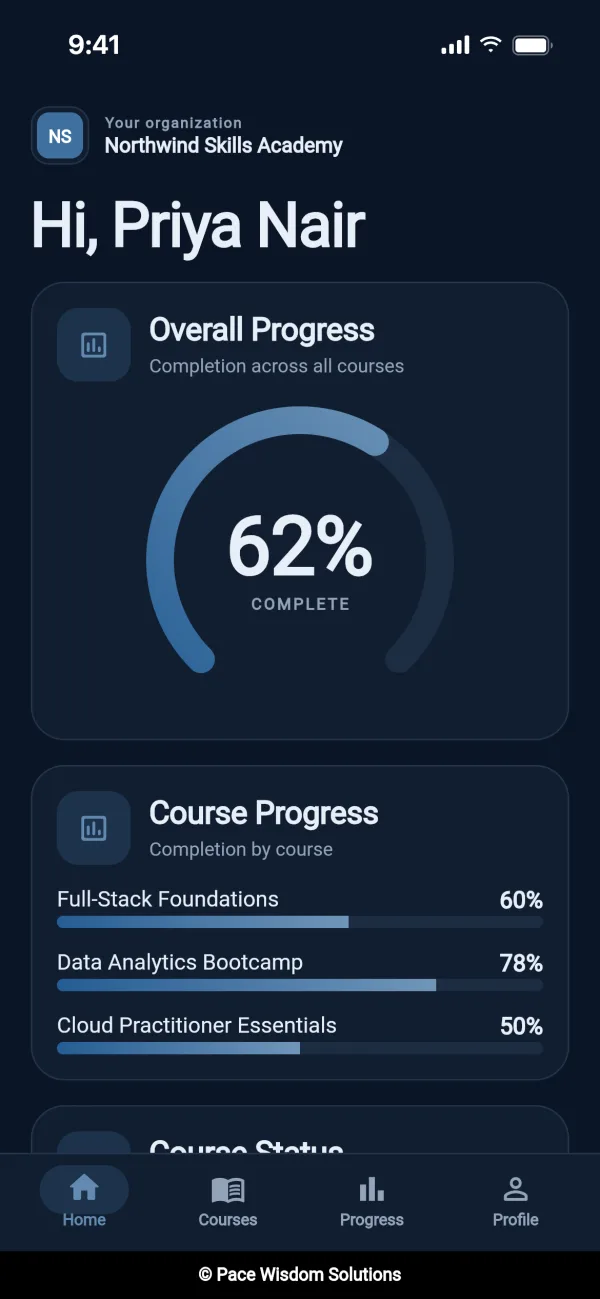
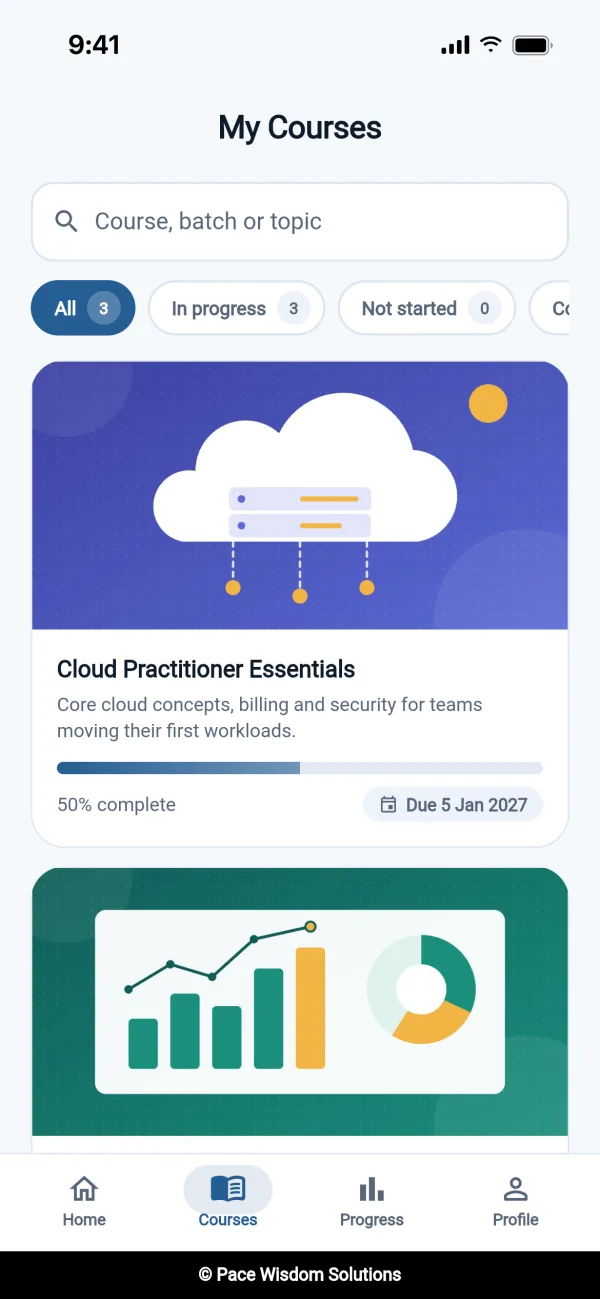
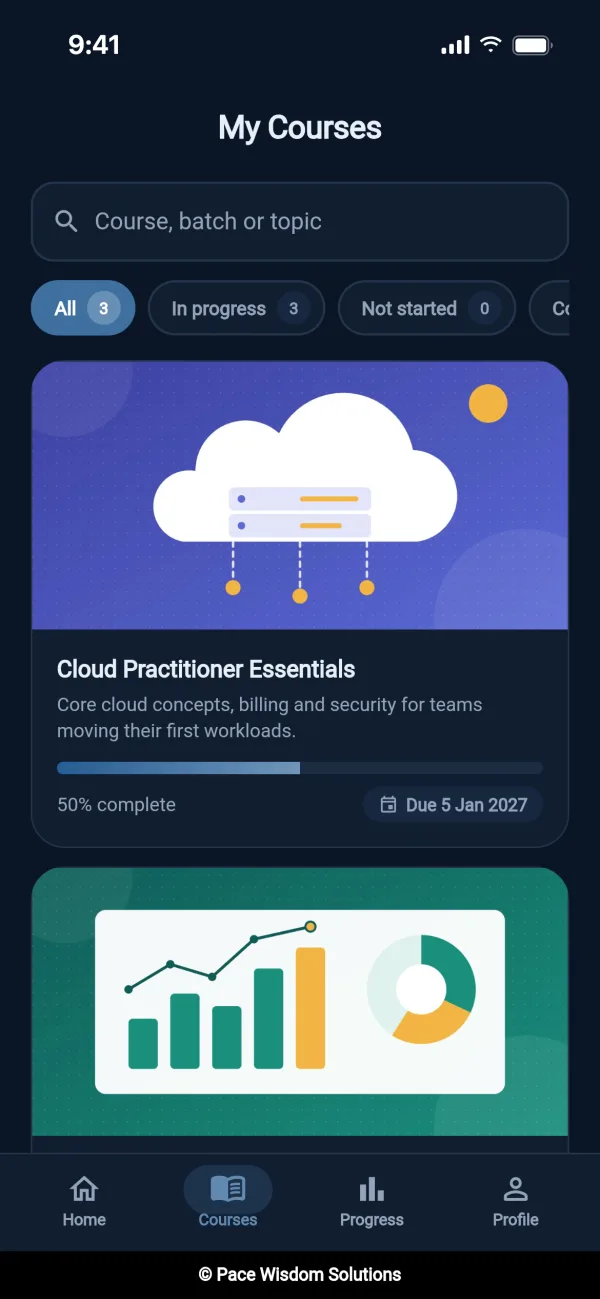
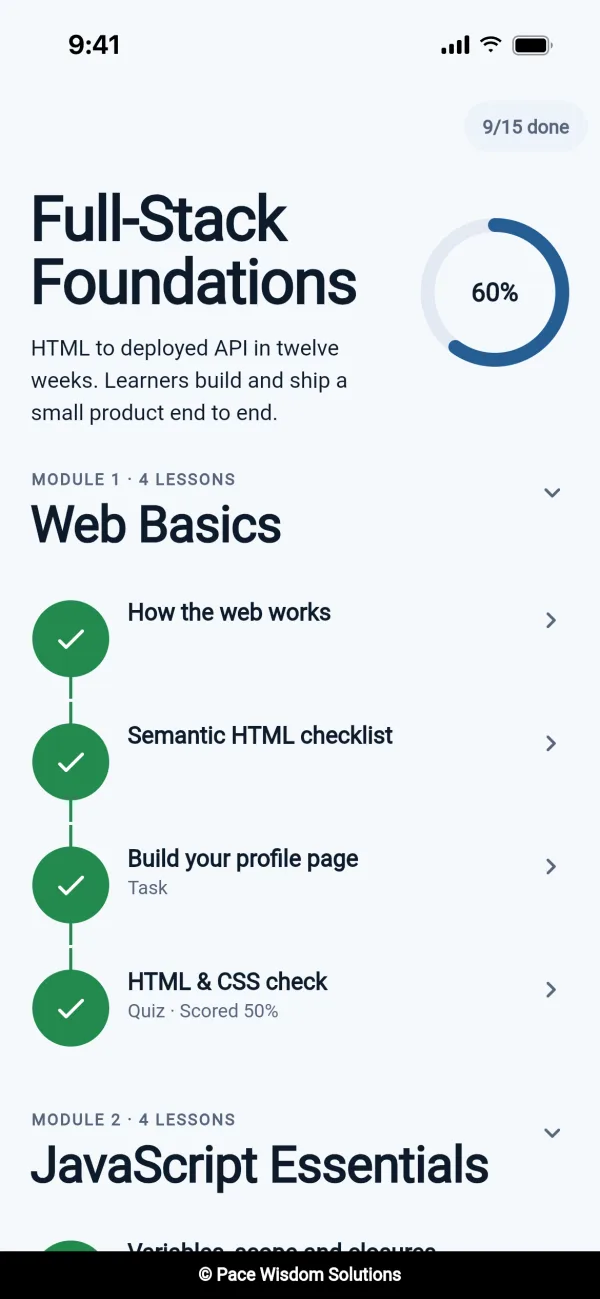
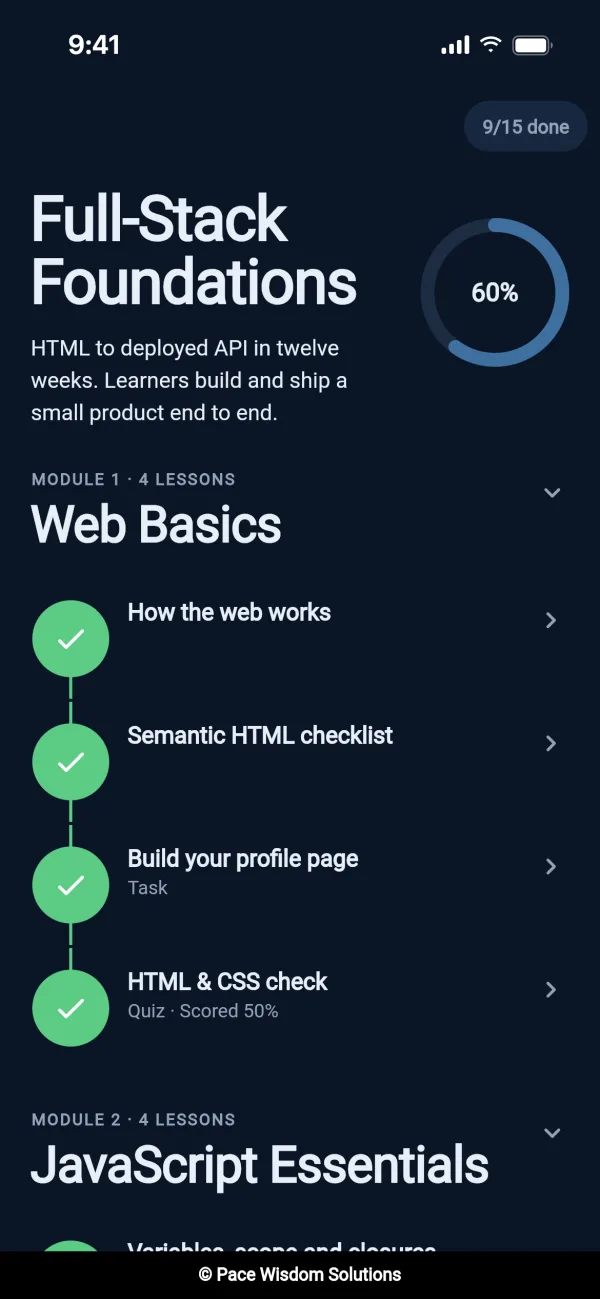
Web, Android and iOS
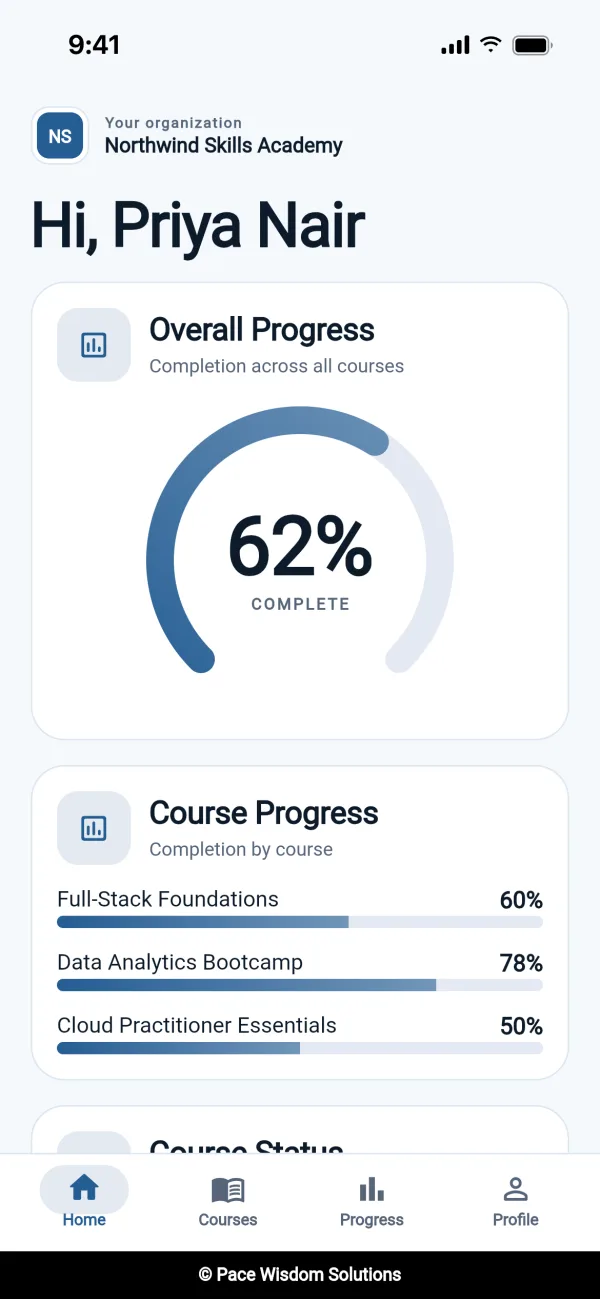
Learners keep going on their phones, not only at a desk.
Course builder
Coding judge in 7 languages
Certificates anyone can verify
Learner mobile app
Bulk upload from Excel
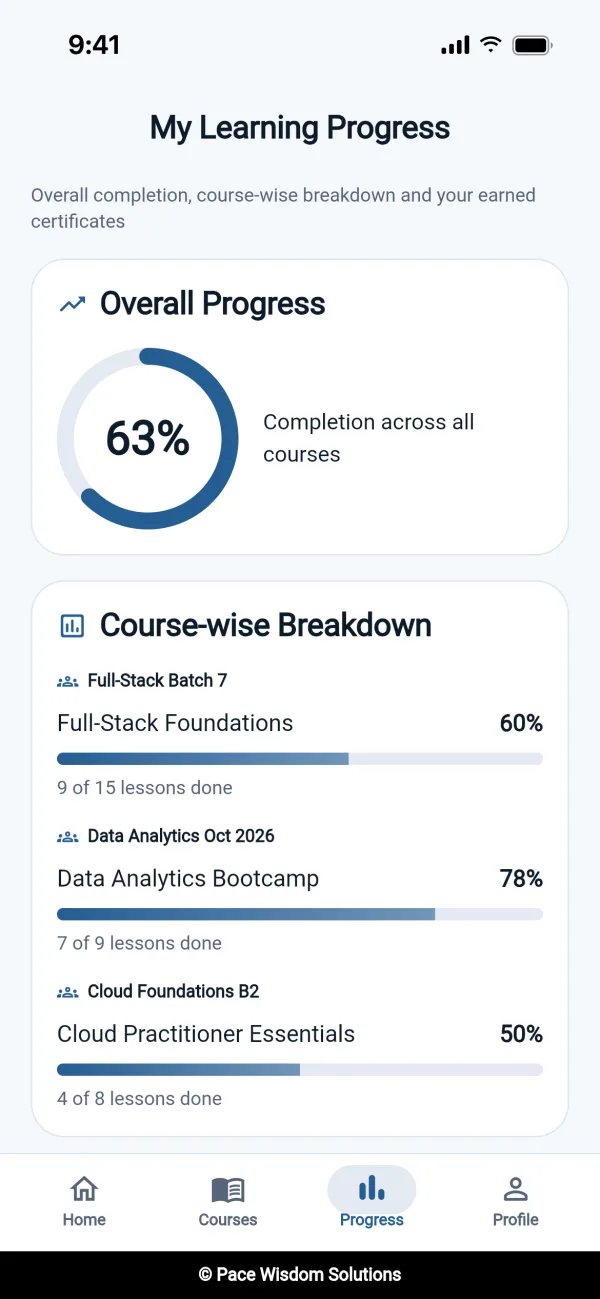
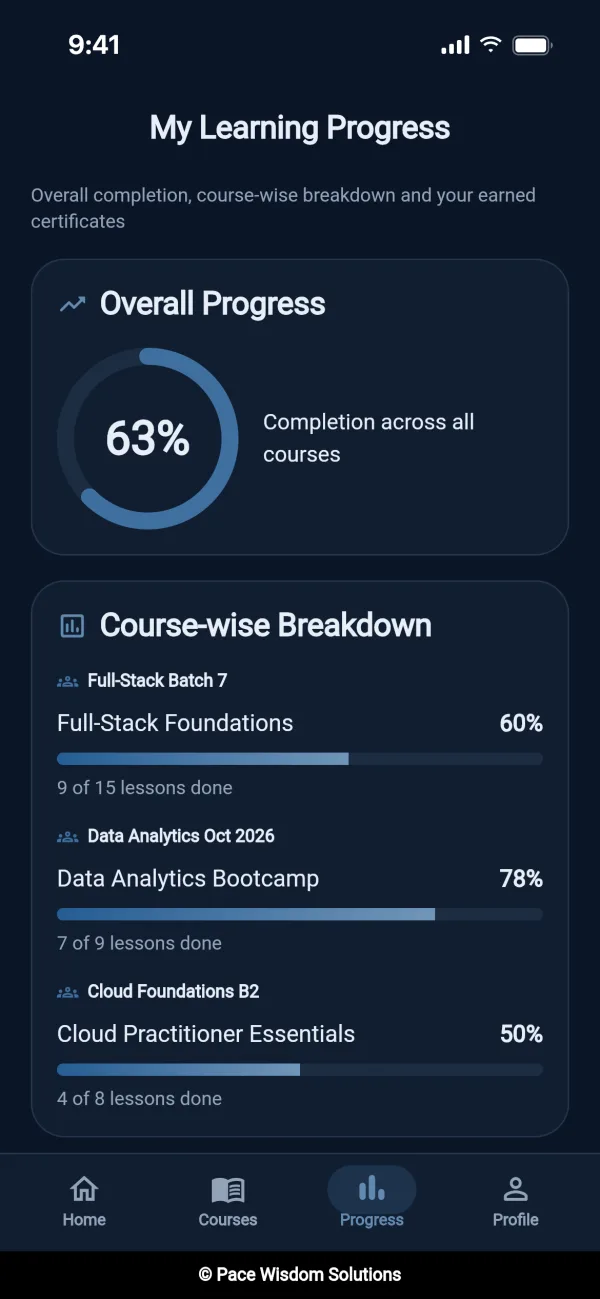
Progress tracking
No-login coding interviews
Google and Microsoft sign-in
Audit logs
Points and levels
Deadline reminders
Branded emails
Course builder
Coding judge in 7 languages
Certificates anyone can verify
Learner mobile app
Bulk upload from Excel
Progress tracking
No-login coding interviews
Google and Microsoft sign-in
Audit logs
Points and levels
Deadline reminders
Branded emails
Built for companies and for education.
The same platform runs a company’s training programmes and a college’s courses. Pick the one that sounds like you.
For companies
L&D, HR and engineering teams
New-hire onboardingPut every new joiner in a company-wide batch with a reporting manager. Steps unlock in order, with reminders 15, 7 and 2 days before the deadline.
Upskilling and certificationMix videos and documents with hands-on coding, test skills with timed assessments, and issue certificates anyone can verify.
Hiring assessmentsScreen developer candidates with timed coding interviews through a single-use link. No accounts needed.
For education
Colleges, universities and training institutes
Courses and batchesGroup students into batches with their own dates, assign trainers, and follow progress from the whole batch down to one student.
Coding practice and examsCoding exercises in 7 languages with automatic grading, plus timed assessments for placement preparation.
Certificates and a mobile appIssue course certificates students can share and verify, and let them study on Android and iOS.
From first invite to certificate in four steps.
The same flow whether you’re onboarding new hires or running a semester.
1
Bring your people in
Invite admins and trainers, and bulk-upload learners from CSV or Excel. Everyone gets an email invite.
2
Build the course
Lay out chapters with videos, documents, tasks, quizzes and coding problems. Steps unlock in order.
3
Assign it to a batch
Give each batch its own start and end dates. Learners are reminded as the deadline gets close.
4
Track and certify
Follow progress down to one learner, grade work with written feedback, and issue certificates anyone can verify.
Everyone in the programme gets a portal built for their job.
One account can hold several roles. A trainer who also manages the programme switches between portals from the account menu.
Super Admin
Runs every organisation in your group, such as each office of a company or each campus of a college, and can step into any of them to help.
Enterprise
Organisation Admin
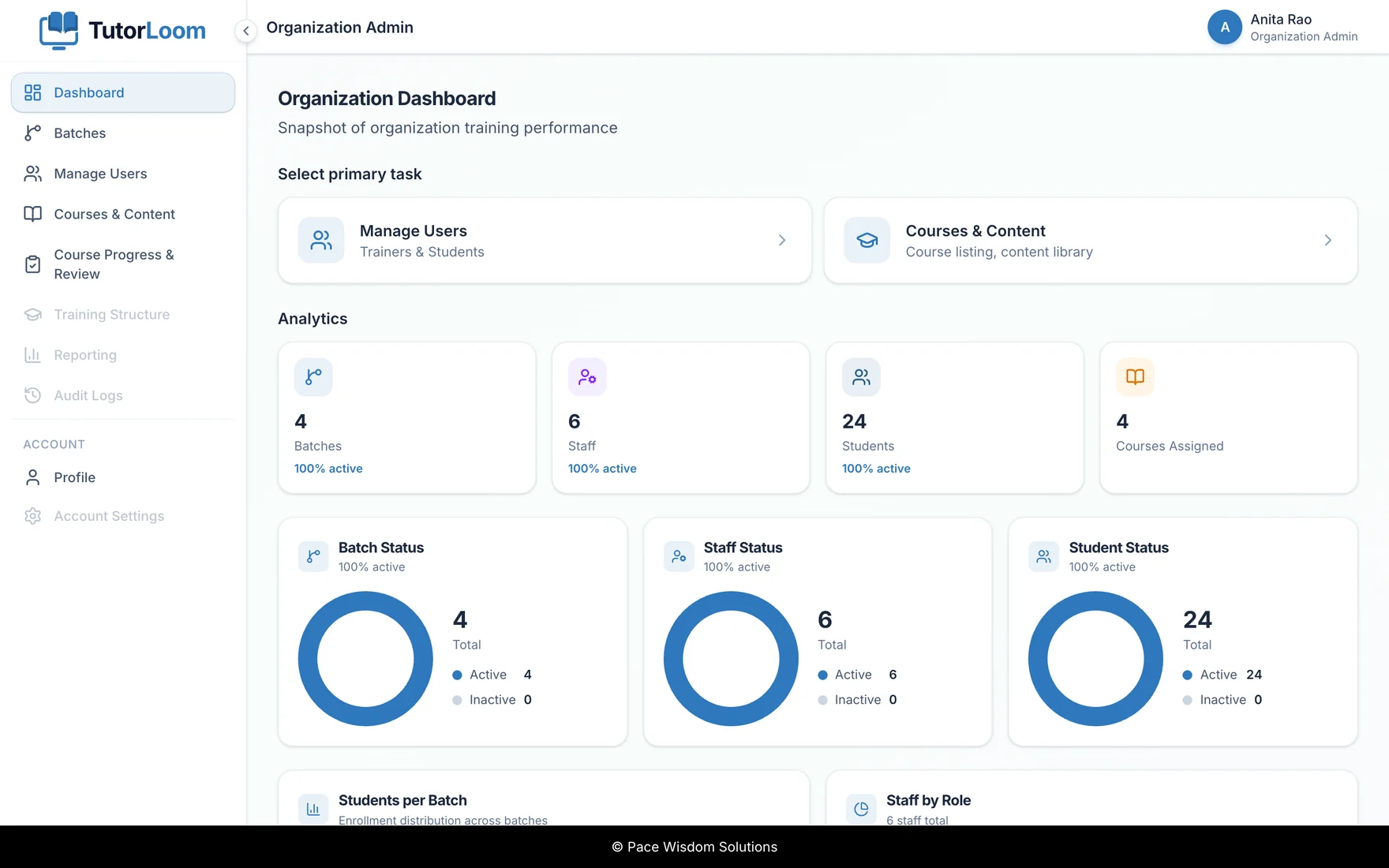
Adds trainers and learners, groups them into batches, builds courses and follows completion from batch down to a single person.
Free + Enterprise
Trainer
Edits the curriculum for assigned courses, grades submissions with feedback and nudges learners who fall behind.
Free + Enterprise
Learner
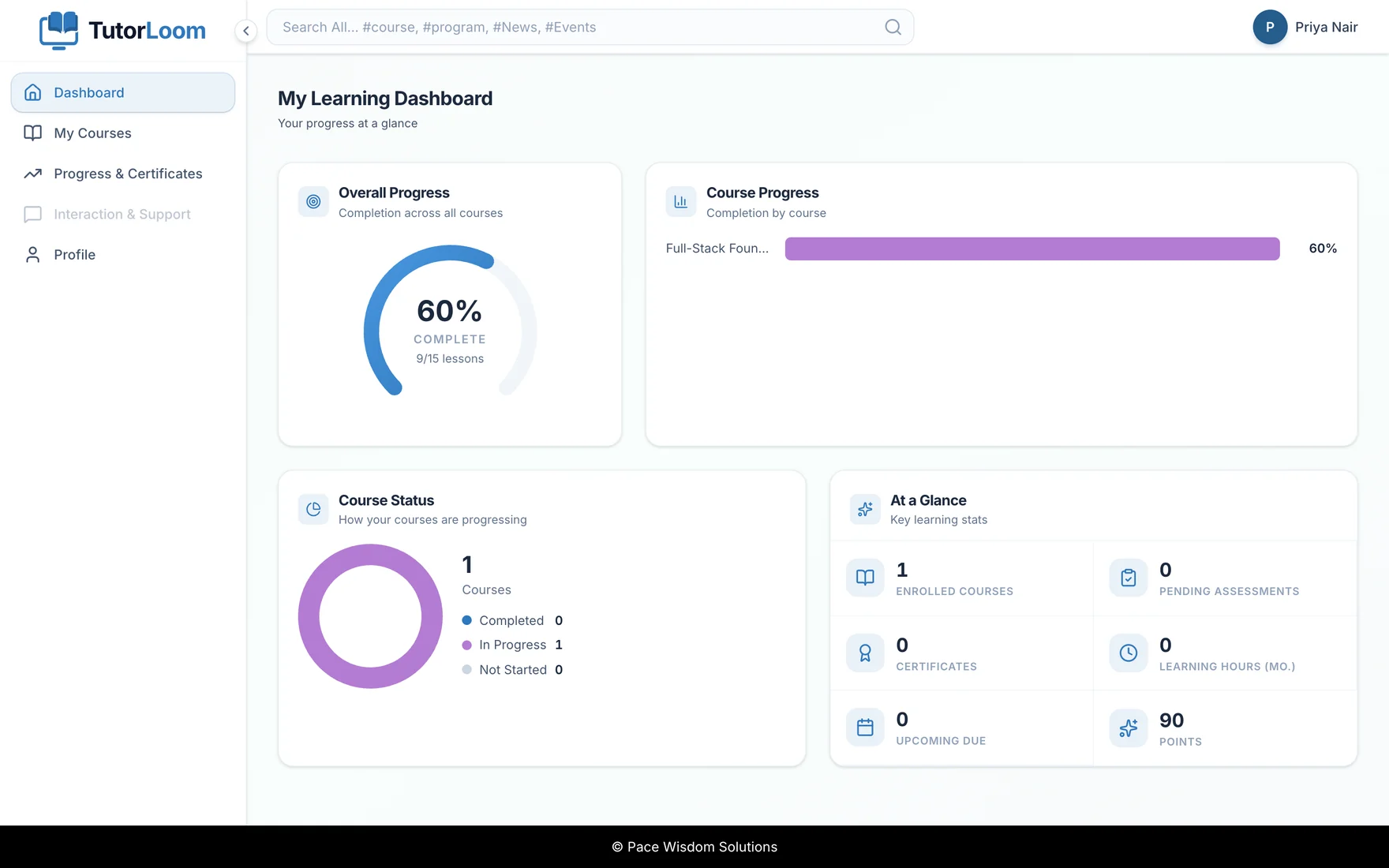
An employee or a student. Works through a step-by-step roadmap on the web or the mobile app, submits work and earns points.
Free + Enterprise
Job candidate
Takes a timed coding interview through a private, single-use link. No account needed.
Enterprise
See who is on track before the deadline.
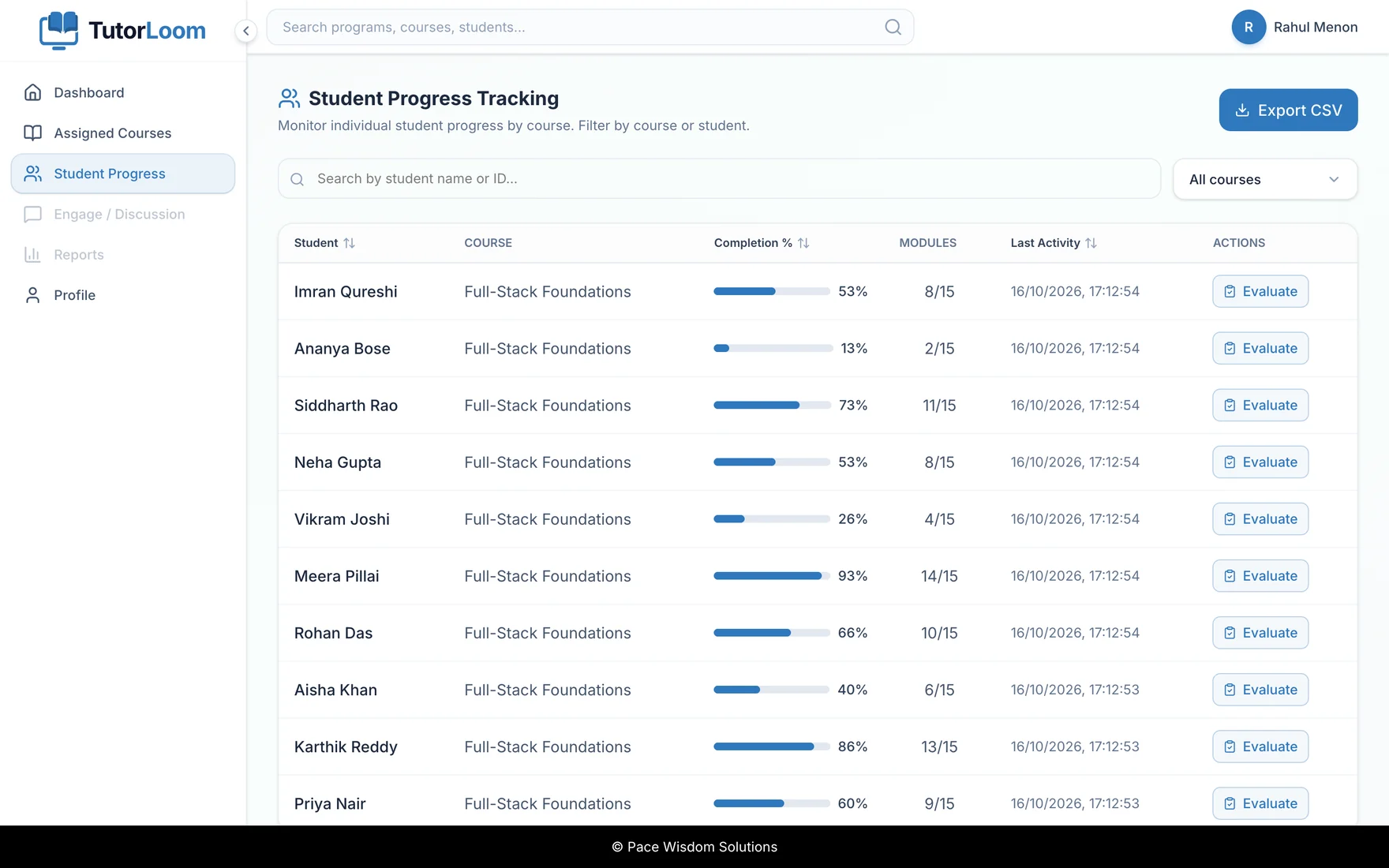
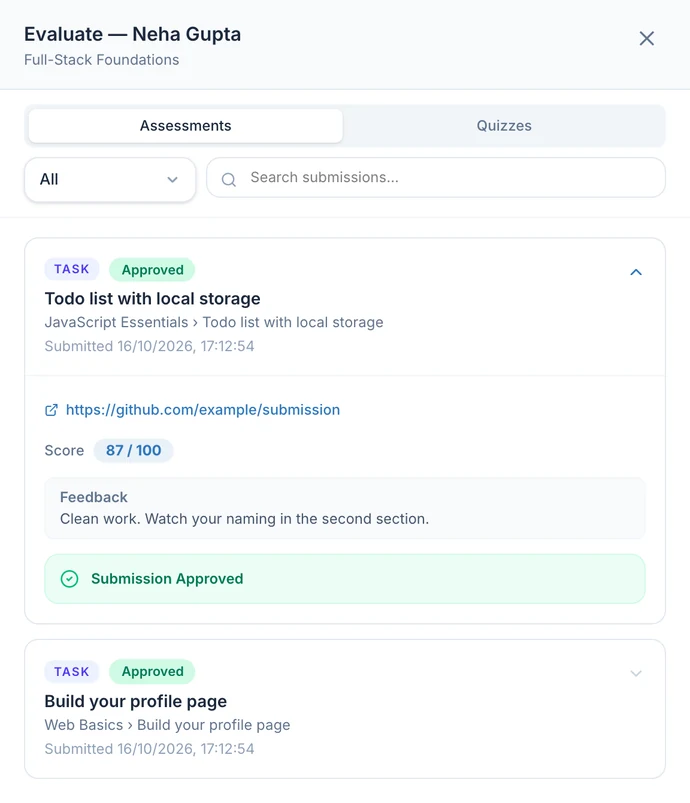
Trainers get one table for every learner they teach, with completion, modules finished and last activity. One click opens the detail.
Open any learner to review each submission, give a score out of 100 and write feedback
Approve work or send it back, and the learner sees your feedback
Send a reminder email to anyone falling behind
Export progress for your own reporting
learn.yourorg.com/trainer/learners
Click Evaluate on any learner to open their submissions, score and feedback.
click any learner for scores + feedback
Enterprise edition
For teams that assess, certify and hire at scale.
Enterprise adds what you need to run training across offices or campuses, prove what people can do, and run coding interviews.
Assessments with a real coding judge
Multiple-choice, task and coding assessments with timers, pass marks and retake limits. Code runs against hidden tests and comes back with a verdict for each problem. Test cases and starter code can be generated for each problem.
ACAccepted
WAWrong answer
TLETime limit
MLEMemory limit
CECompile error
RERuntime error
PythonJavaScriptJavaC++CC#SQL
Certificates people can verify
Design your certificate on a canvas with your logo, background and signature. Learner details fill in automatically, and anyone can confirm a certificate with its code.
Send each candidate a single-use link. They see the rules, solve the problems against the clock in the same editor your learners use, and the link stops working once they submit. Tab switches are recorded.
Super Admin console
Set up each office, campus or institute as its own organisation, bulk-upload users and manage everyone from one screen.
Google and Microsoft sign-in
One-click sign-in and invites through your staff’s existing work accounts.
Audit logs and branding
Exportable history of who changed what, plus each organisation’s logo and colours on its portal and emails.
We’ll set up a walkthrough with your own use case.
Compare every feature
Open a module to see what each edition includes.
ModuleCommunityEnterprise
Try Community on your own machine.
Clone the repository and Docker brings up Postgres, Redis, the API, a background worker and the web app together. Database migrations run on every start.
Yes. The code is on GitHub under the Apache 2.0 licence, so you can run it, change it and use it commercially. You host it yourself.
What do I get by moving to Enterprise?
The Super Admin console for running all your offices, campuses or institutes, assessments with a coding judge, certificates, no-login coding interviews, Google and Microsoft sign-in, notifications, calendars, audit logs and organisation branding, plus commercial support.
Can one installation serve several organisations?
Yes. Each office, campus or institute can be its own organisation, with its own admins, trainers, learners, batches and courses. Enterprise adds the Super Admin console to set them up and manage them all from one place.
Can we offer Enterprise to other companies or institutions?
No. An Enterprise licence is for your own use, across all the offices, campuses or institutes in your group. It can’t be resold or used to run training for outside clients.
Is there a mobile app?
Yes. A Flutter learner app for Android and iOS is included in the repository, in the student_mobile_app folder. Trainers and admins use the web portals.
Can we bring our existing users and courses?
Trainers and learners can be bulk-uploaded from CSV or Excel. Enterprise can also build a whole course from a spreadsheet and import quiz questions in bulk.
How is Enterprise priced?
Pricing depends on how many learners and organisations you run. Tell us your numbers through the form below and we’ll send a quote along with the walkthrough.
What is it built with?
A Django and Django REST Framework API on PostgreSQL, Redis and Celery, a React web app, and a Flutter learner app.
Talk to us about Enterprise.
Tell us how many people you train, and across how many teams, offices or campuses. We’ll walk you through Enterprise with your own use case and send pricing for your team.